A Tesla 12V battery warning means the car has measured its small low-voltage battery as weak and is asking you to replace it or schedule service. That battery is separate from the main pack. It runs the computers, locks and screens, and the car cannot connect the main pack without it. The car usually still drives while the message is on, so treat it as a short notice period and arrange the replacement soon.
The exact wording depends on the model and the software version. Some cars say the 12V battery must be replaced soon. Others ask you to schedule service for the low voltage battery. They refer to the same part.
What the low-voltage battery does
Every Tesla has two batteries. The high-voltage pack under the floor drives the motors. A much smaller low-voltage battery powers everything that has to work before the pack is connected: the door locks and latches, the touchscreen, the computers, the lights and the relays, called contactors, that join the main pack to the rest of the car.
There is no alternator. A DC-DC converter takes energy from the main pack and keeps the low-voltage battery charged, both while you drive and from time to time while the car is parked. The car watches how the small battery behaves during that charging. When it stops holding charge the way a healthy battery should, the warning appears.
Older cars use a 12V lead-acid battery, the same basic technology as a gas car. Newer cars use a small lithium-ion low-voltage battery. The two are different parts and are not interchangeable. The changeover depends on the model and build date, so we confirm which one a car has by looking at it.
Why the warning appears
| What is going on | What it usually means | What we check |
|---|---|---|
| Warning on an older car with the original or an aged battery, no other alerts | Lead-acid battery has reached the end of its life | Battery test, age and type of the fitted battery |
| Warning returns soon after a new battery was fitted | Wrong battery type, poor connection, or a charging fault | Terminals and grounds, battery specification, charging voltage from the converter |
| Warning together with power or charging system alerts | Possible fault in the converter or its wiring | Alerts stored in the car, charging behavior of the low-voltage system |
| Battery goes flat after the car sat for a long time | Deep discharge while the main pack was very low | Battery test after a full recharge, state of the main pack |
| Warning on a car with added electrical accessories | Extra load on the low-voltage system | How accessories are wired and what they draw while the car sleeps |
An aged lead-acid battery
This is the common case on older cars. The low-voltage battery in a Tesla works differently from one in a gas car. It never cranks an engine, but it is charged and discharged in small cycles every day, including while the car sits. Lead-acid batteries wear from that cycling and from heat, and South Florida supplies plenty of heat. Tesla’s owner’s manual treats the low-voltage battery as a part that is replaced during the life of the car.
Features that keep the car awake
Anything that stops the car from sleeping adds cycles to the low-voltage battery. Sentry Mode, cabin overheat protection and frequent checks from the phone app all keep systems running while the car is parked. They do not cause the warning on their own, but on a battery that is already tired they bring the day forward.
A charging fault
Less often, the battery is fine and the car is not charging it correctly. A poor connection at a terminal or ground can do it. So can a fault in the converter that feeds the low-voltage system. The converter is part of the high-voltage power electronics, and that repair belongs with Tesla. Our job in that case is to test the low-voltage side, rule out the battery and the connections, and tell you plainly what we found.
A main pack left very low
If the main pack is left close to empty for a long time, the car stops supporting the low-voltage battery to protect the pack. The small battery then drains, and a lead-acid battery that has been fully drained is often damaged for good. Keeping the car plugged in when it will sit for weeks avoids this.
Can I keep driving?
Usually fine for normal driving over a short period:
- The only message is the low-voltage battery warning.
- The car wakes, unlocks and goes into Drive as normal.
- The touchscreen is not restarting on its own.
Book the replacement and avoid leaving the car parked for a long stretch in the meantime.
Have it checked before driving far:
- The warning appears with alerts about reduced power, charging or the electrical system. Our guide to the Tesla Power reduced alert covers that message.
- The car is slow to wake, the screen goes black or restarts, or doors stop responding to the handles.
- The car has already failed to wake once.
What happens if the battery fails
A Tesla with a dead low-voltage battery behaves like a car with no power at all, even if the main pack is full. The car may not wake when you walk up. The doors may not open electrically, the touchscreen stays dark, the charge port may not release the cable, and the car will not go into Drive.
It is worth learning two things from the owner’s manual before this happens. The first is where the mechanical door releases are. The front doors have one inside, and the rear doors differ by model and year. The second is how to open the hood with an external 12V supply when the car has no power, since that is where the low-voltage battery sits on most models.
Tesla advises against using the car to jump-start another vehicle. Supplying power to a Tesla’s low-voltage system to wake it should follow the steps in the manual for that model.
How we handle it at the shop
- Read the alerts stored in the car, and note any that arrived with the battery message.
- Identify the battery type fitted to the car, lead-acid or lithium.
- Test the battery and inspect the terminals and grounds for looseness and corrosion, which salt air near the beach encourages.
- Check that the car is charging the low-voltage system as it should.
- Replace a lead-acid battery with the correct type, following Tesla’s power-down steps before disconnecting it, and confirm afterward that the car charges it and the warning has cleared.
- Tell you what belongs with Tesla. A lithium low-voltage battery under warranty, a converter fault, and any high-voltage battery pack or drive unit work stay with the manufacturer.
You get photos and a written estimate before any work starts.
What to do next
- Take a photo of the message on the screen, and note any other alerts shown with it.
- Keep the car plugged in at home if you can, and do not let the main pack run very low.
- Find the mechanical door releases in your owner’s manual.
- Book a low-voltage battery check. Our Tesla brake, tire, alignment and 12V battery service page covers the work in more detail, and Tesla and EV repair in Fort Lauderdale lists what we do on Tesla, Rivian and Lucid.
For the other items that wear faster in this climate, read EV and hybrid care in Florida heat. Our EV and hybrid service covers every electric make, and you can request an estimate with the wording of the alert.
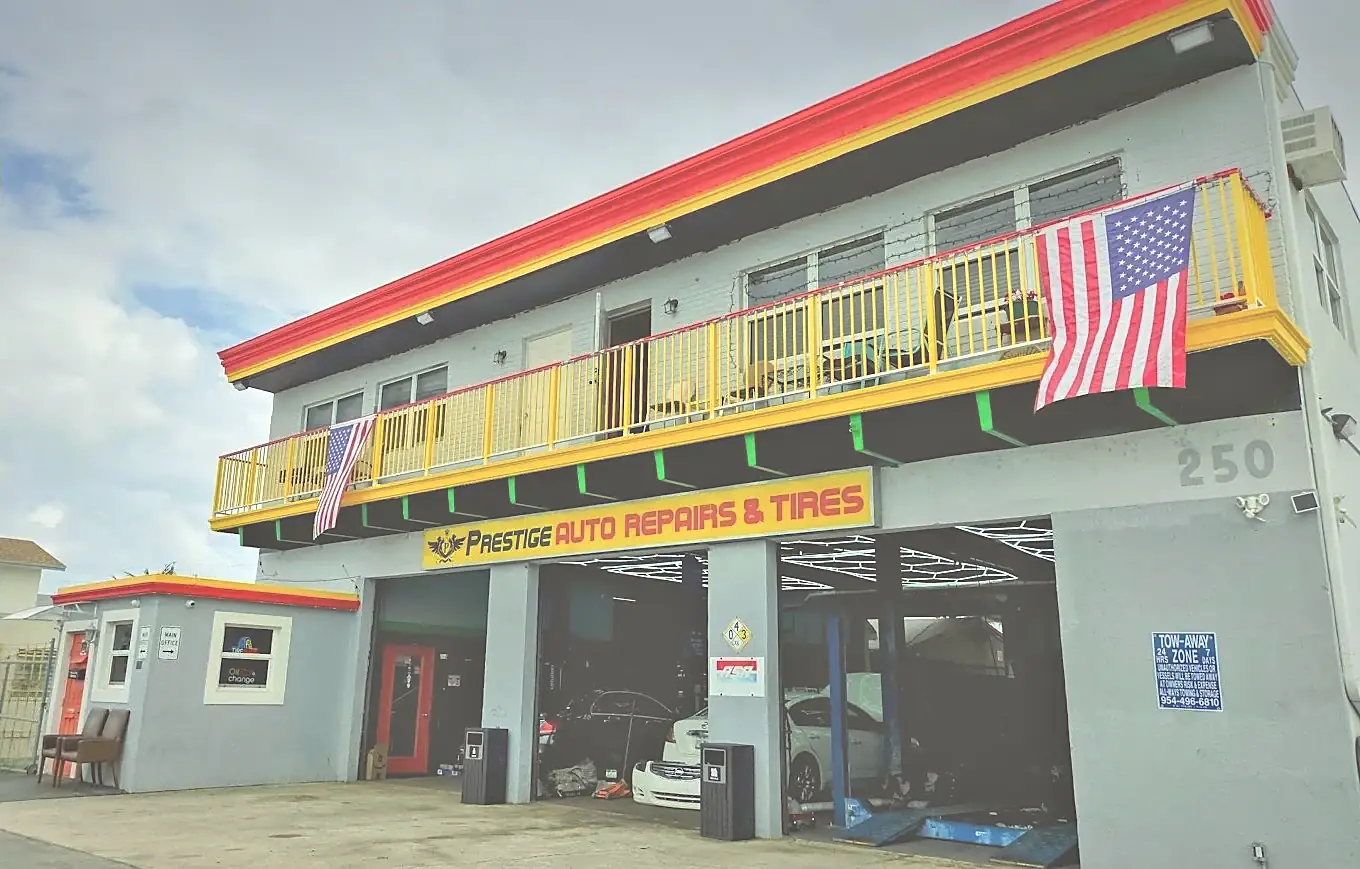
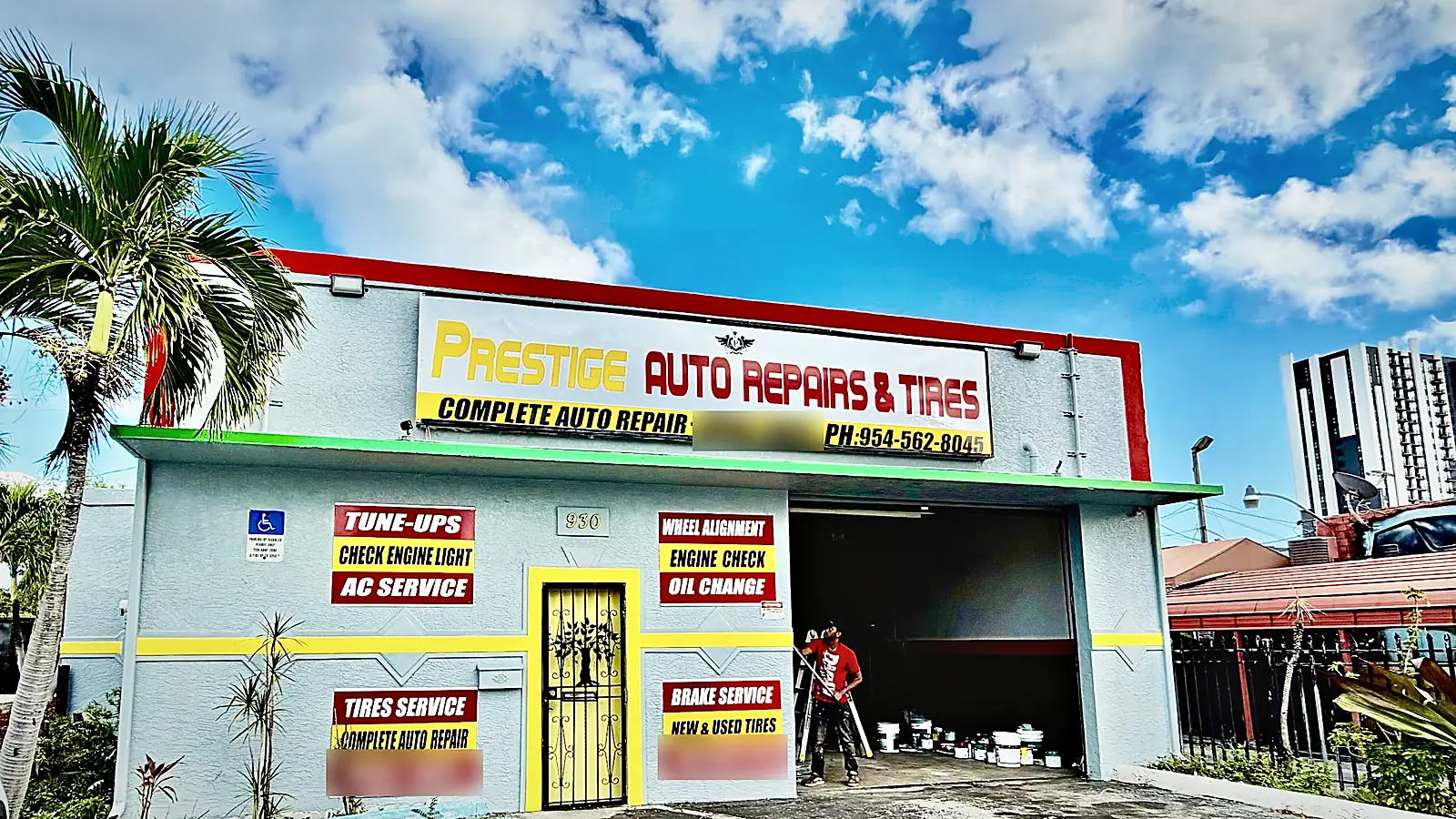
Bring the car to 250 NE 44th St in Oakland Park, open 7 days from 8 AM to 7 PM, (954) 303-0758, or to 930 NE 4th Ave in Fort Lauderdale, Monday to Saturday from 8 AM to 7 PM, (954) 562-8045.
Related repair services
- Tesla brake service in Fort Lauderdale
- Tesla repair in Fort Lauderdale
- Hybrid repair in Fort Lauderdale
- Polestar service in Fort Lauderdale